Connect Telegram and get your Kuda.gg alerts instantly
Updated: 24 November 2026
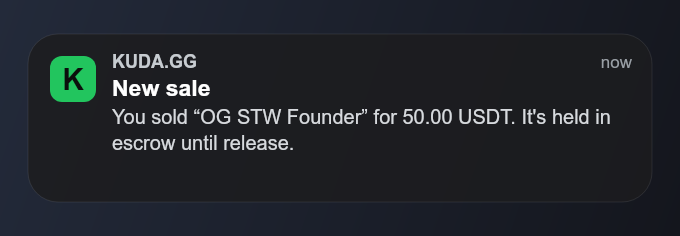
Email is fine, but Telegram is instant. Link your account once and the bot sends you the same alerts we email: sales, purchases, released payouts, offers, disputes and price drops on your favourites.
Link it in two taps
Go to Settings → Notifications (or the Favourites page) and tap “Connect Telegram”. Our bot opens; tap “Start” and your account is linked — you'll see “Telegram connected · @yourname”.

Get everything in real time
From then on, each alert also reaches you on Telegram with a button straight to the order, listing or balance. For your safety, the withdrawal code is never sent over Telegram — that one stays in your inbox. Unlink anytime.
FAQ
- What notifications does the Kuda.gg Telegram bot send?
- Sales, purchases, released payouts, offers, disputes and price drops on your favourites — the same alerts we email you, in real time.
- Is linking Telegram safe?
- Yes. You link it with a one-time deep link, we never see your Telegram password, and the withdrawal code is never sent over Telegram — it stays in your email.