How to make an offer on a Fortnite account
Updated: 24 November 2026
You no longer have to pay the sticker price. If an account is right but a bit pricey, make an offer and negotiate with the seller — safely, inside Kuda.gg.
Name your price
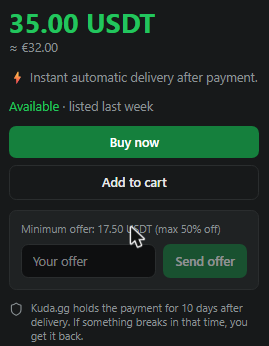
On the listing, tap “Make an offer” and enter what you'll pay. You can go as low as 50% of the listing price. You can have one active offer per listing, and it lasts 48 hours.
The seller responds, you pay the agreed price
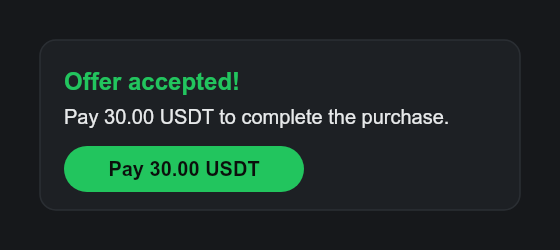
The seller can accept, decline or counter — we tell you by email, bell and Telegram. If they accept (or you take their counter), you pay the agreed price from your balance, and the money is protected by the usual 10-day escrow until you get the account.
FAQ
- How low can I offer on a Fortnite account?
- Up to 50% off — your offer must be at least half the listing price. The seller can accept, decline or counter it.
- How do I pay once my offer is accepted?
- You pay the agreed price from your Kuda.gg balance, and the money is protected by the usual 10-day escrow until you receive the account.