List a Fortnite account in one click from a check
Updated: 24 November 2026
The fastest — and best-selling — way to list: check the account with our checker and turn it into a listing in one click, with the locker images already made and the verified badge.
Check, then tap “List it”
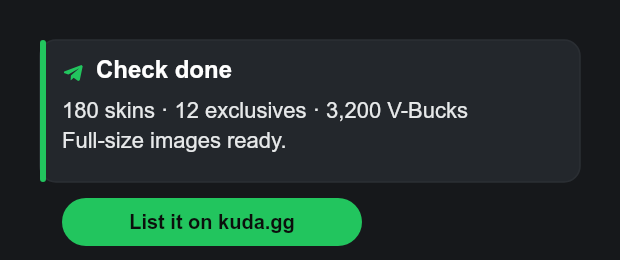
Run a check on the web or in the Telegram bot: we read skins, exclusives, V-Bucks and Save the World, and generate the locker images. When it finishes, tap “List it on kuda.gg” and the listing fills itself in — title, images and verified details.
Sell with confidence
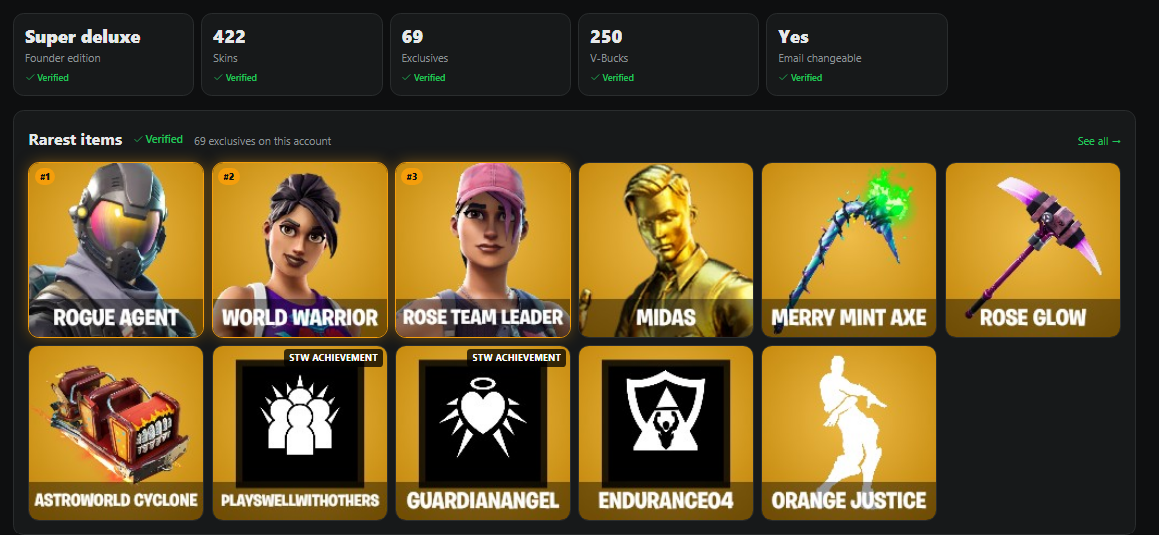
Your listing carries the “Verified by Epic login” badge, so buyers can see the skins and V-Bucks really exist. Verified listings sell faster and for more.
FAQ
- How do I turn a check into a listing?
- After checking an account, tap “List it on kuda.gg”. The title, locker images and verified details fill in automatically.
- Why do verified listings sell better?
- The “Verified by Epic login” badge proves the skins and V-Bucks exist, so buyers trust the listing and pay more.